A hard rhythm game.

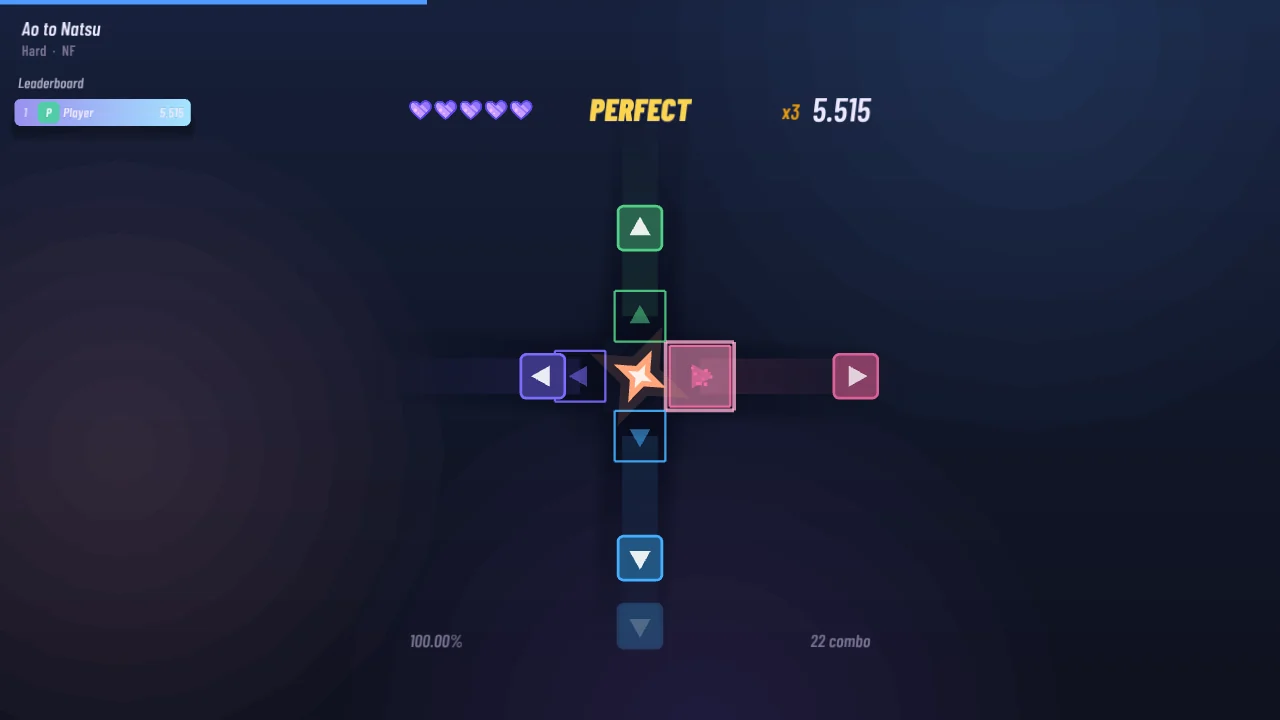
Notes fly in from four – or eight – sides and hit the star on the beat of your music. Play songs from osu!, Beat Saber, Geometry Dash or any mp3 – STARLINE turns them into maps.

Clean dark lookYour own songs4 or 8 lanesOnline leaderboards
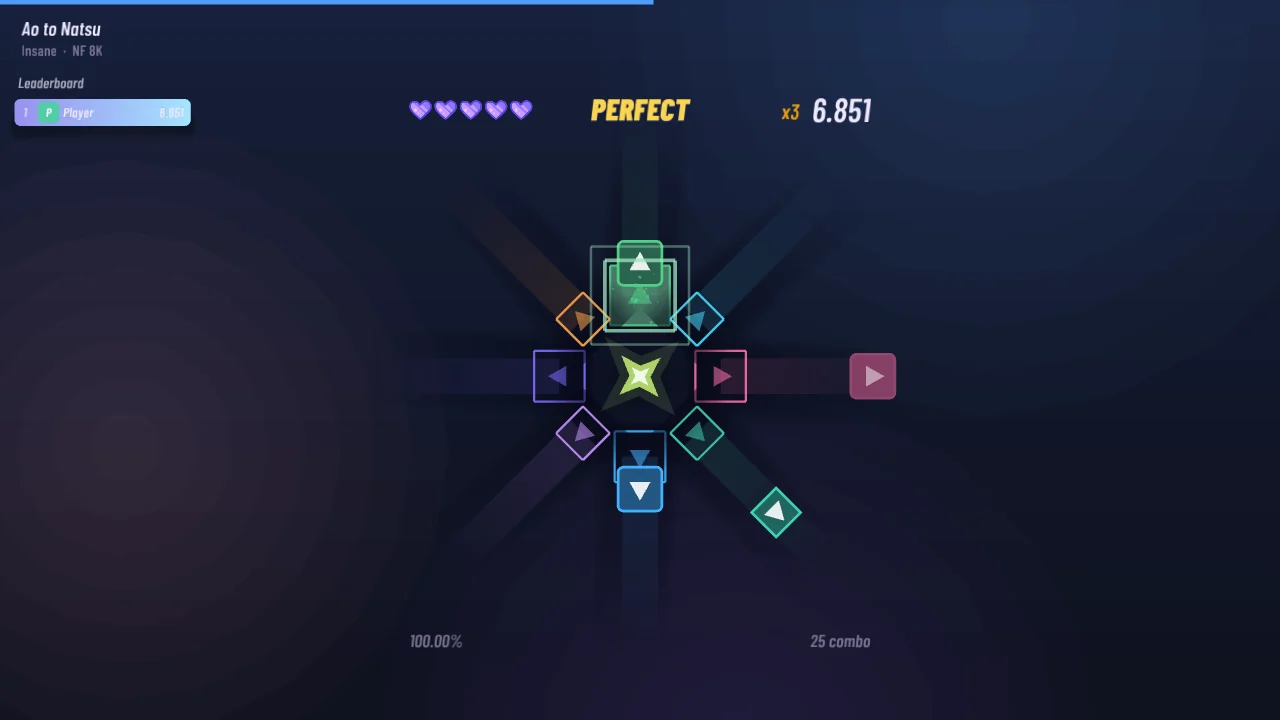
STARLINE gameplay: notes fly towards the star from four sides

What's in STARLINE

Easy to learn, hard to master. Every note lands exactly on the beat of the song.

♫

Your music

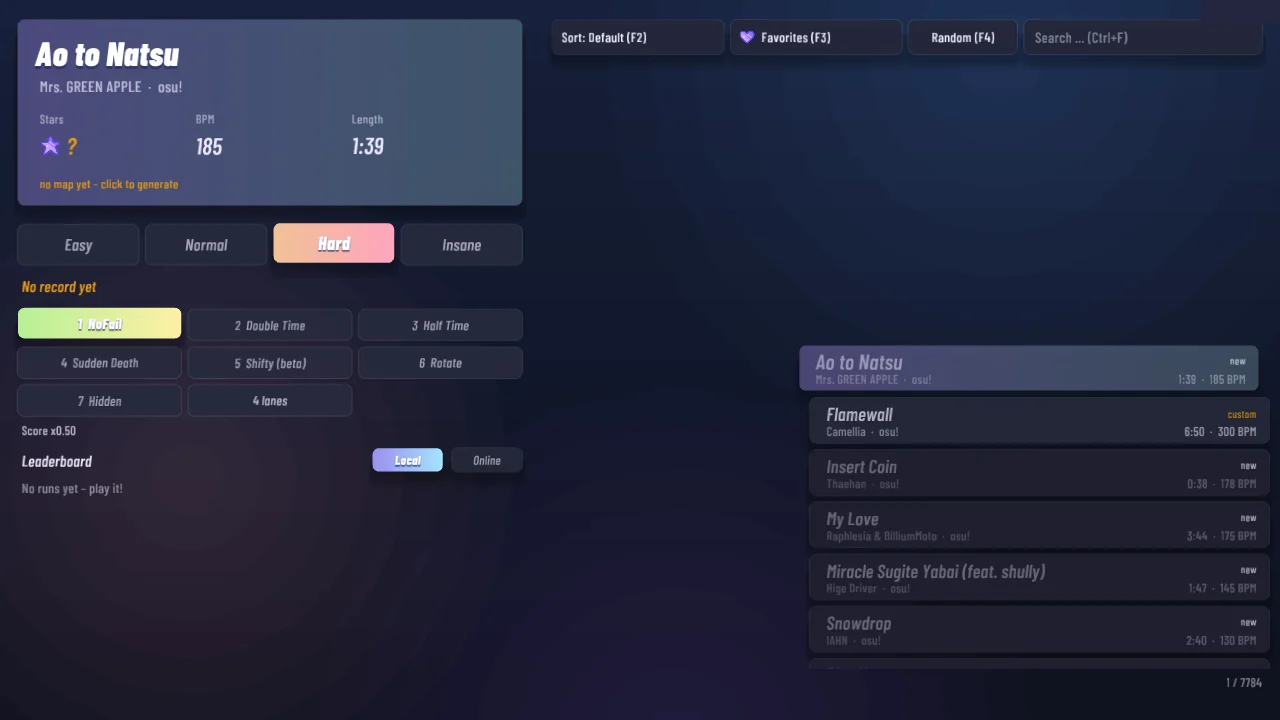
STARLINE finds your osu!, Beat Saber and Geometry Dash songs by itself. Drop any mp3, ogg or flac into the songs folder, or import .osz files.

!

Rhythm maps

Notes follow the music: calm parts are slower, choruses get dense. Everyone gets the same map for the same song, so scores are fair.

+

Mods

Double Time, Half Time, Hidden, Rotate (the whole field turns and the lanes swap places), Sudden Death and NoFail. Shifty is in beta.

✦

4 or 8 lanes

Play with four keys – or switch any map to eight lanes with diagonals. Hold notes, double taps, spins and speed changes keep it fresh.

#

Replays & leaderboards

Every run is recorded. Beat the best score on each map and climb the leaderboard.

⌨

Your keys

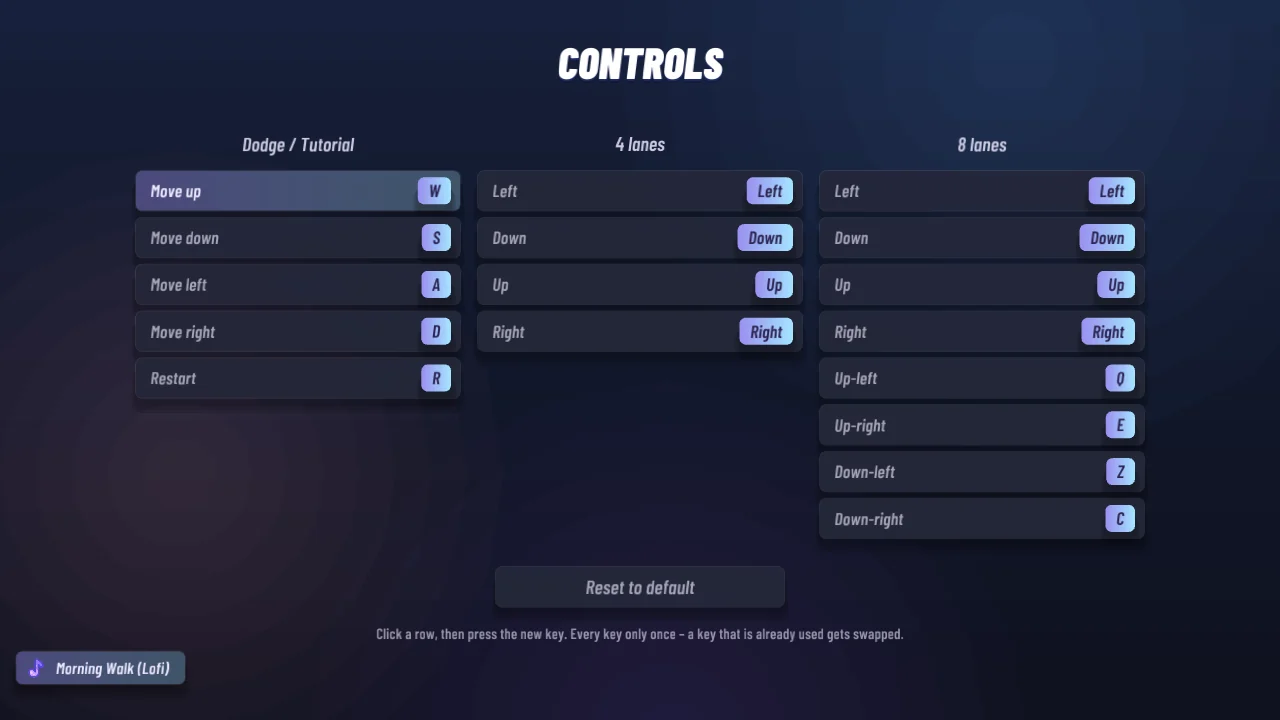
Bind every lane to the key you like – each key only once. Note lock means spamming does not work: timing counts.
Screenshots

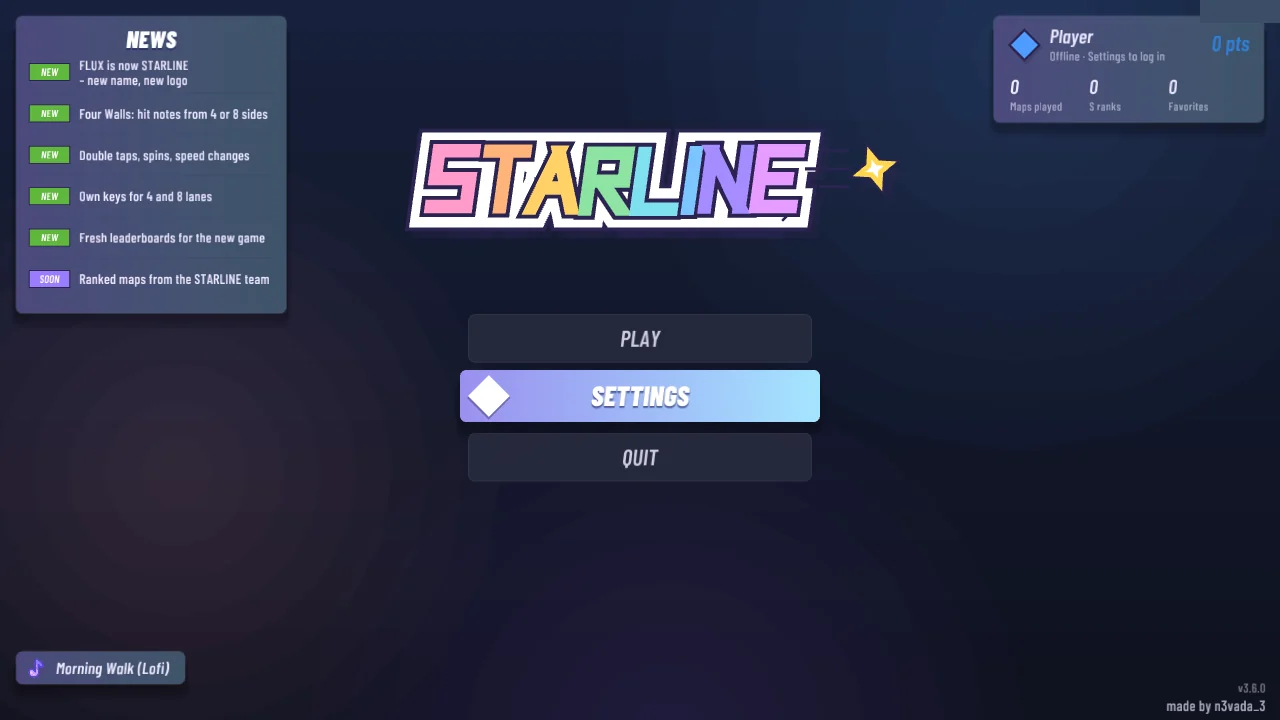
A calm, dark interface with soft cards and one colour accent at a time – no neon.

How to play

Notes fly in from the sides. Press the key of that side when the note reaches its field next to the star.

Start in 3 steps

  1. Download STARLINE.zip and unzip it anywhere.
  2. Start STARLINE.exe. Windows may say "Windows protected your PC" because the game is new – click More info → Run anyway.
  3. Pick a song. osu! songs are found automatically; other music goes into the songs folder. Start on Easy.

Controls

  • ←↓↑→ 4 lanes
  • QEZC diagonals (8 lanes)
  • hold the key for hold notes, press in a circle on SPIN!
  • Esc pause · R restart
  • 1–7 toggle mods in song select

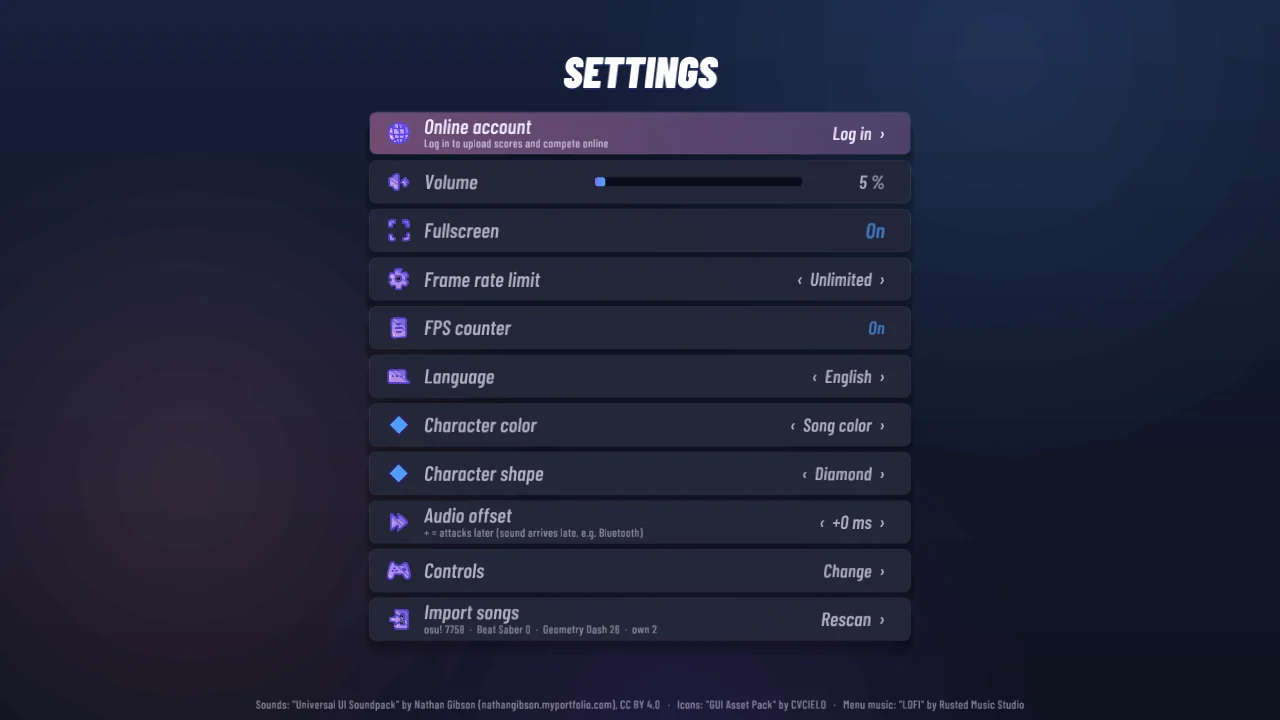
All keys can be changed in Settings → Controls.

Live

Online leaderboard

Create an account in the game (Settings → Online account). Every cleared run is uploaded with its replay – climb the global ranking and every map's top list.

Full leaderboard
1Loading …

Credits

Sounds: "Universal UI Soundpack" by Nathan Gibson (nathangibson.myportfolio.com), CC BY 4.0

Menu music: "LOFI" by Rusted Music Studio

Icons: "GUI Asset Pack" by CVCIELO

STARLINE does not ship any songs. It only plays music files that are already on your PC. STARLINE is not affiliated with osu!, Beat Saber or Geometry Dash.